

Electronics & Computers · buying guide
USB-C Hub Vs Docking Station
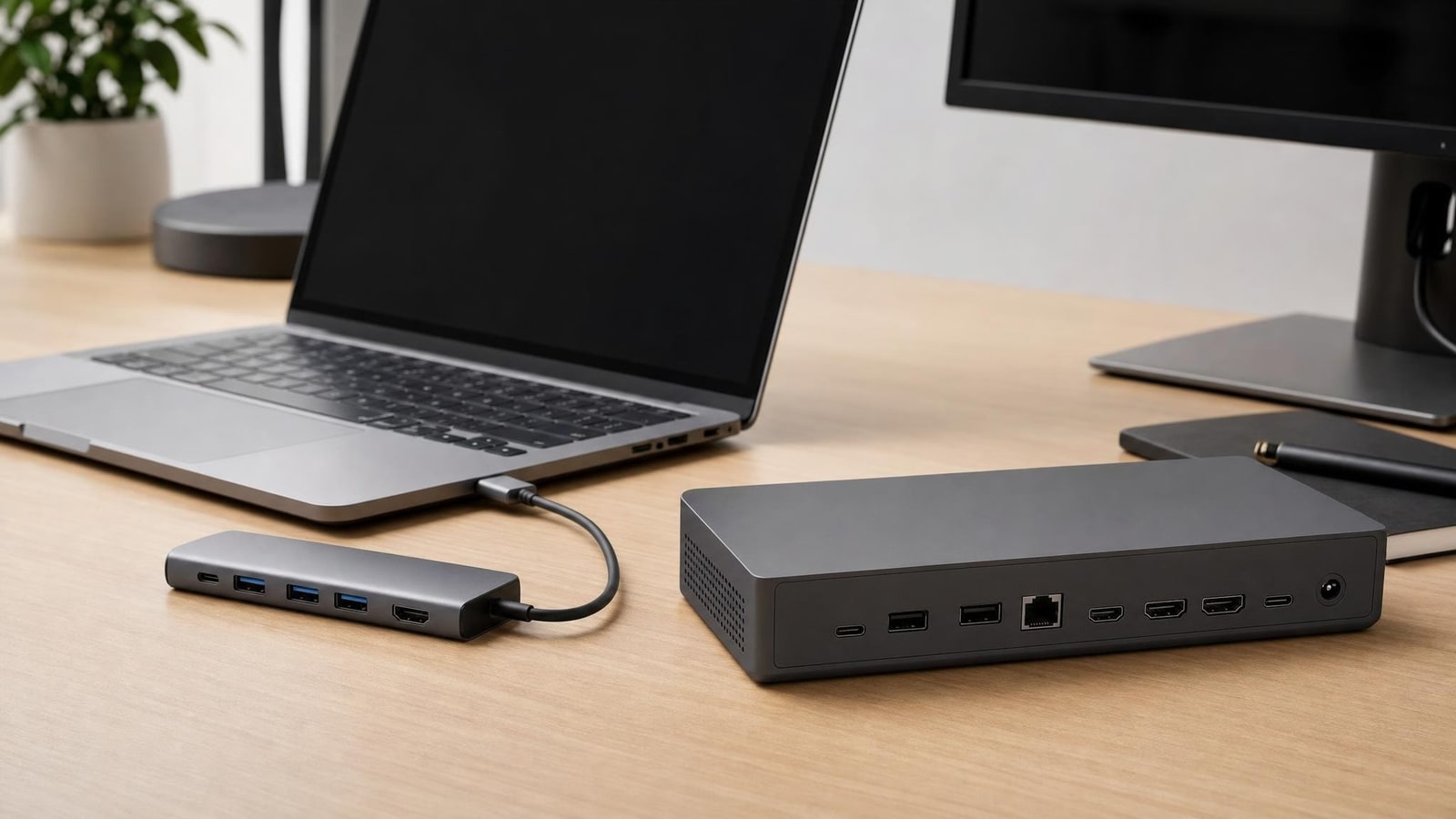
A host and desk audit comparing two portable USB-C hubs with one powered multi-display docking-station format.
USB-C describes a connector, not a guaranteed set of display, charging, data, and networking capabilities. A hub is usually the portable, bounded option; a docking station is usually the powered, fixed-desk option. This process maps the laptop port, displays, power delivery, data speed, and peripherals before shopping. The intended outcome is a verified port-and-power plan that prevents paying for unsupported features or creating an unstable cable chain.
Quick product guide
Products featured in this guide
Baseus 8-in-1 USB-C hub
Best for: Mobile setups needing broader expansion without a permanent powered desk anchor.
Limitation: Host video support, charger overhead, and shared bandwidth remain decisive.
View on AmazonUGREEN 5-in-1 USB-C hub
Best for: A portable setup where the first hub layout blocks adjacent connections.
Limitation: It remains a compact bus-sharing device, not a full docking workstation.
View on AmazonPlugable USB-C triple display docking station
Best for: A fixed workstation whose verified host supports the required display technology and drivers.
Limitation: Display support, driver requirements, power delivery, and operating-system limits require exact host verification.
View on AmazonCompare the fit, not a generic ranking
| Option | Best for | Strongest benefit | Main limitation |
|---|---|---|---|
| Baseus 8-in-1 USB-C hub | Mobile setups needing broader expansion without a permanent powered desk anchor. | It represents the hub side with a portable but relatively broad port mix. | Host video support, charger overhead, and shared bandwidth remain decisive. |
| UGREEN 5-in-1 USB-C hub | A portable setup where the first hub layout blocks adjacent connections. | It gives the hub side a meaningful layout alternative rather than a duplicate identity. | It remains a compact bus-sharing device, not a full docking workstation. |
| Plugable USB-C triple display docking station | A fixed workstation whose verified host supports the required display technology and drivers. | It represents the docking-station side with a permanent expanded desk workflow. | Display support, driver requirements, power delivery, and operating-system limits require exact host verification. |
On a narrow screen, swipe the table sideways to compare every column.
Buying criteria
Build a fit plan before opening a listing
Verify the host port
Confirm whether the port supports data only, DisplayPort Alternate Mode, USB4, Thunderbolt, and power input. Record any manufacturer limits on multiple displays or charging. A device cannot add a host capability the laptop does not expose.
Build the simultaneous connection list
List what must work at once rather than every connector that might be useful someday. Separate essential devices from occasional ones and note which can connect directly to the laptop.
Calculate the display requirement
Record each monitor input, resolution, and refresh rate. Check whether the laptop, operating system, and proposed device support that exact combination. Similar-looking docks can use different display technologies and may need drivers.
Set the power budget
Use the laptop maker’s recommended input as the baseline. Account for power retained by the hub or dock and power shared with attached devices. A high headline wattage does not guarantee the laptop receives all of it.
Choose portable or fixed
Prefer a hub when low weight, a short connection list, and travel matter. Prefer a dock when a permanent desk needs its own power supply, Ethernet, displays, and many peripherals through one host cable.
Audit cables and heat
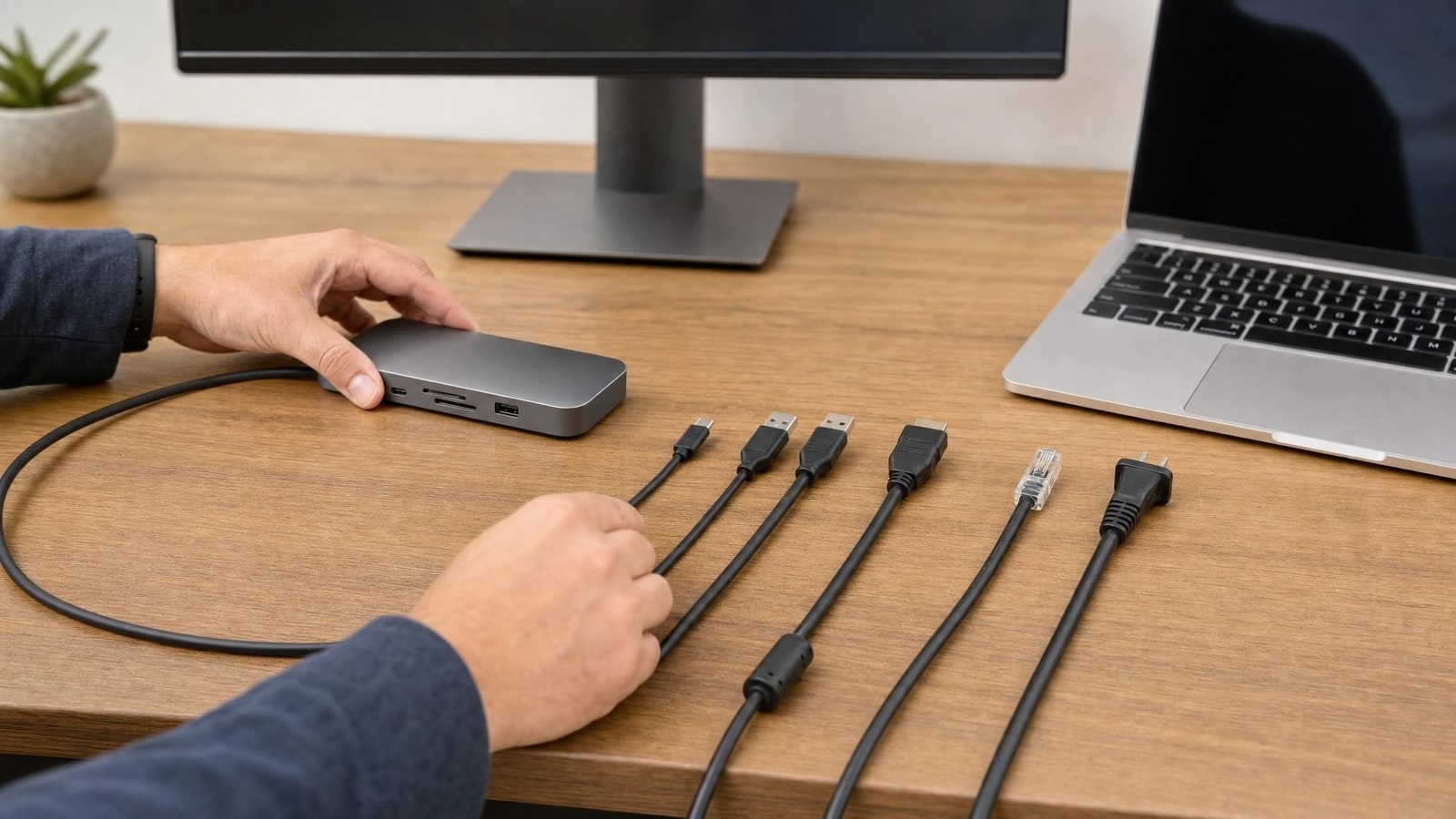
Verify cable data ratings, display support, power rating, length, and replaceability. Keep adapters ventilated and avoid suspending heavy devices from a laptop port. Do not daisy-chain unverified power paths.
Recommendations in detail
Match each option to a measured problem
Recommendation 1
Baseus 8-in-1 USB-C hub
A portable hub for one display, Ethernet, card access, USB data, and pass-through power.
- Best for
- Mobile setups needing broader expansion without a permanent powered desk anchor.
- Strongest benefit
- It represents the hub side with a portable but relatively broad port mix.
- Main limitation
- Host video support, charger overhead, and shared bandwidth remain decisive.
Pros, cons, evidence, and when to skip
Skip if
- You need several displays, fixed peripherals, or a permanently powered desk system.
How we checked it
Identity, destination, and authorized product media were checked against the current controlled commerce record. See our methodology for how those checks support this recommendation. Read the editorial methodology.
Recommendation 2
UGREEN 5-in-1 USB-C hub
A second hub layout for comparing cable orientation, port access, and charger compatibility.
- Best for
- A portable setup where the first hub layout blocks adjacent connections.
- Strongest benefit
- It gives the hub side a meaningful layout alternative rather than a duplicate identity.
- Main limitation
- It remains a compact bus-sharing device, not a full docking workstation.
Pros, cons, evidence, and when to skip
Skip if
- Your desk needs Ethernet, audio, several displays, or one-cable peripheral permanence.
How we checked it
Identity, destination, and authorized product media were checked against the current controlled commerce record. See our methodology for how those checks support this recommendation. Read the editorial methodology.
Recommendation 3
Plugable USB-C triple display docking station
A powered desk docking format for multiple displays and persistent peripherals.
- Best for
- A fixed workstation whose verified host supports the required display technology and drivers.
- Strongest benefit
- It represents the docking-station side with a permanent expanded desk workflow.
- Main limitation
- Display support, driver requirements, power delivery, and operating-system limits require exact host verification.
Pros, cons, evidence, and when to skip
Skip if
- You need a driver-free travel hub or your managed computer cannot use the required display software.
How we checked it
Identity, destination, and authorized product media were checked against the current controlled commerce record. See our methodology for how those checks support this recommendation. Read the editorial methodology.
Alternatives and no-buy options
When none of these products is appropriate
- Use the no-purchase baseline described in this guide before adding another usb-c hub vs docking station product.
- Borrow or use an existing tool for one representative week and count setup, cleanup, storage, and compatibility as part of the decision.
Final recommendation
Choose the smallest system that solves the measured problem
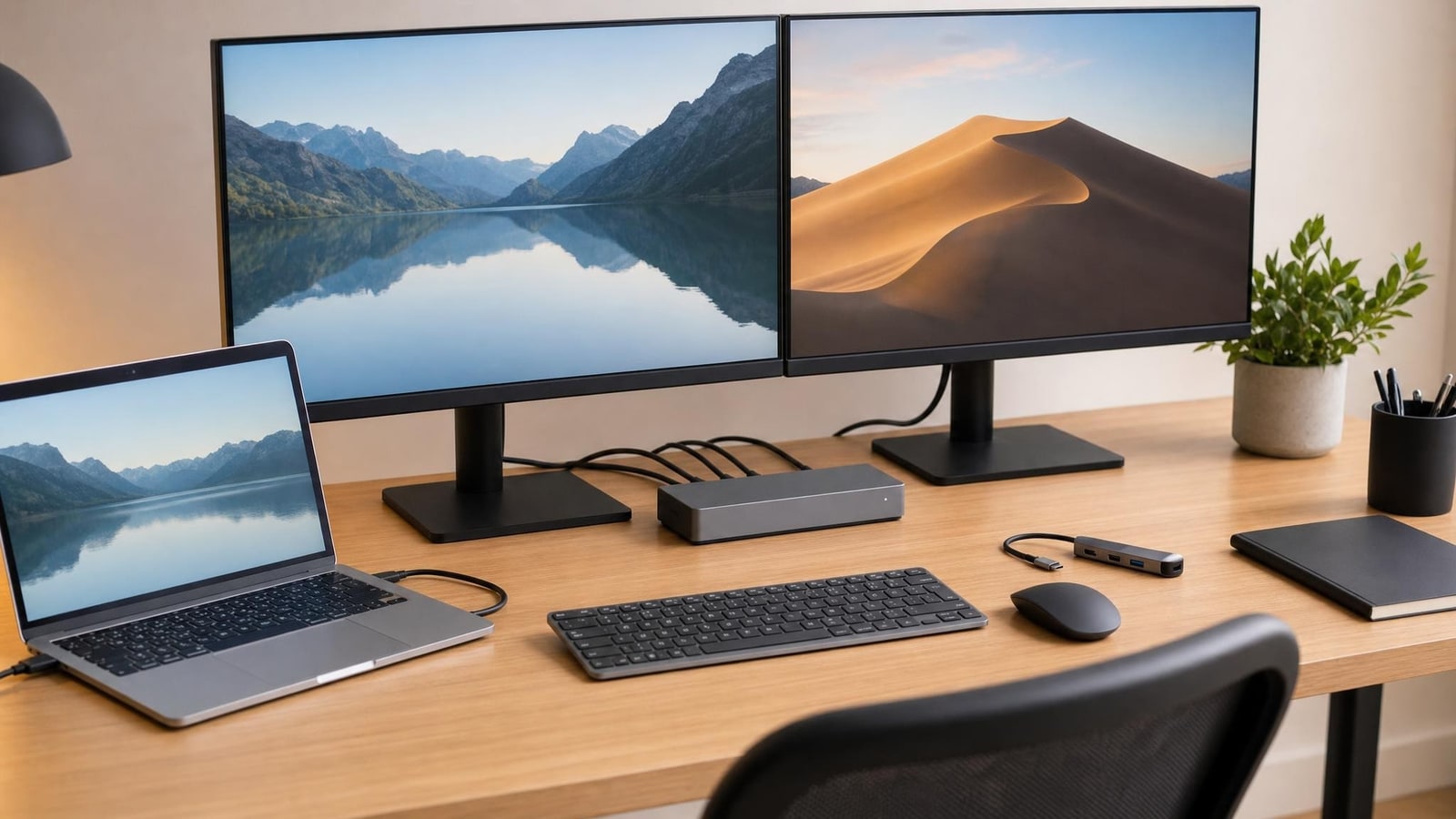
Use the no-buy baseline first, then choose only the format whose tradeoffs fit the recurring task.
View on Amazon